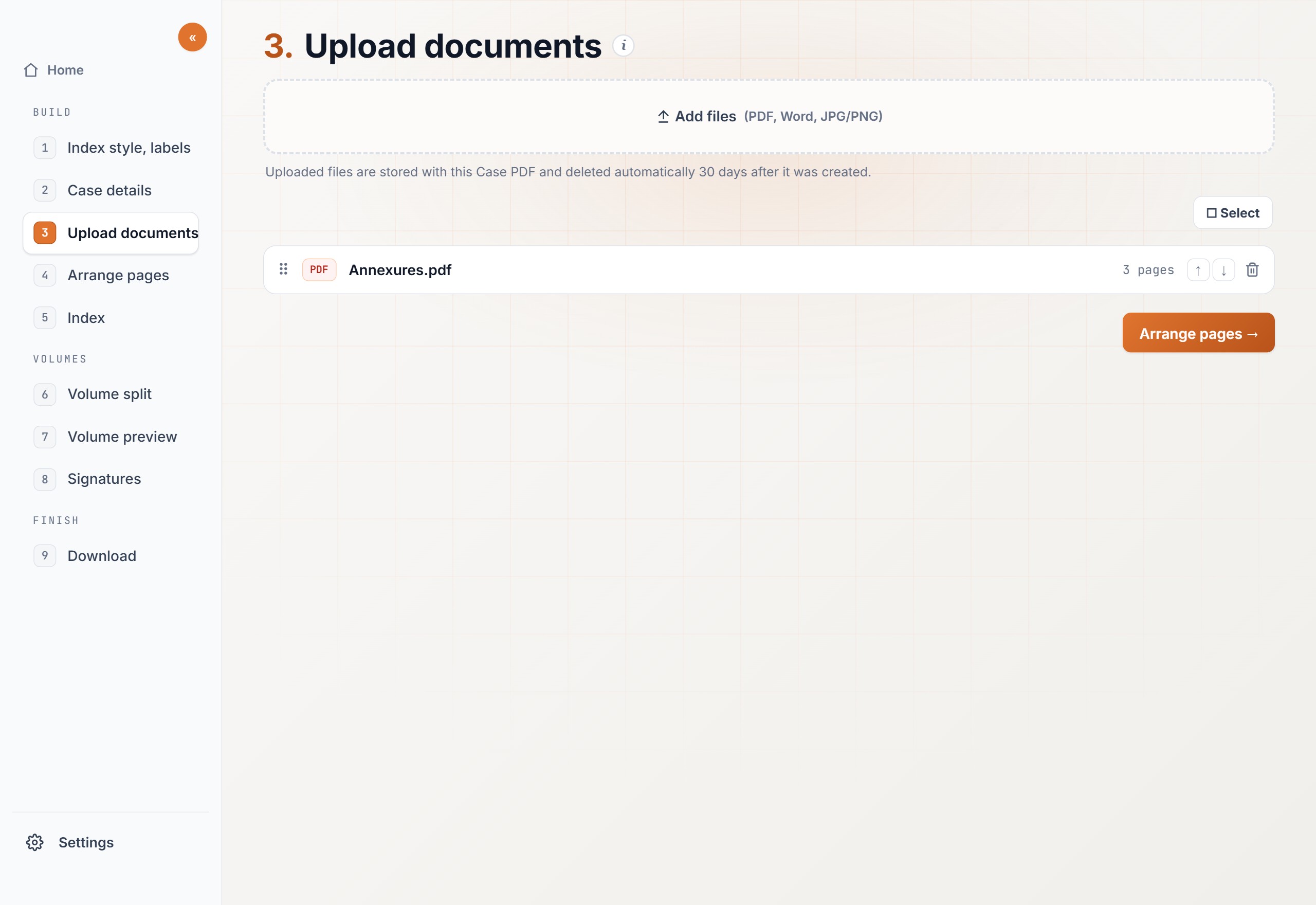
Open Tools, then Merge files. Use it when several PDFs have to become one file for the filing.
Merge the papersThe petition, the affidavit, and the annexures are separate files, and the portal wants one PDF.
Combine them in orderThe documents have to follow the order the index will use.
Steps
01
Upload the PDFs you want to joinOpen Tools, then Merge files. Drop in every PDF that belongs in the book. You can add more files before you continue.
02
Put the pages in orderClick “Continue to arrange pages”. Drag a page to the place it should sit. Rotate a page that is sideways. This is the order the merged file will follow.
03
Download one PDFClick “Download merged PDF”. Case PDF combines the files and joins them into one PDF. You can change the file name first. The name ends with “_merged” unless you change it.
Expected output
The download is one PDF. The pages run in the order you set, and a sideways page is turned the way you left it.
The separate files are no longer separate. Nothing new is stamped on the page. When the filing needs numbers or an index, do that on this file next.