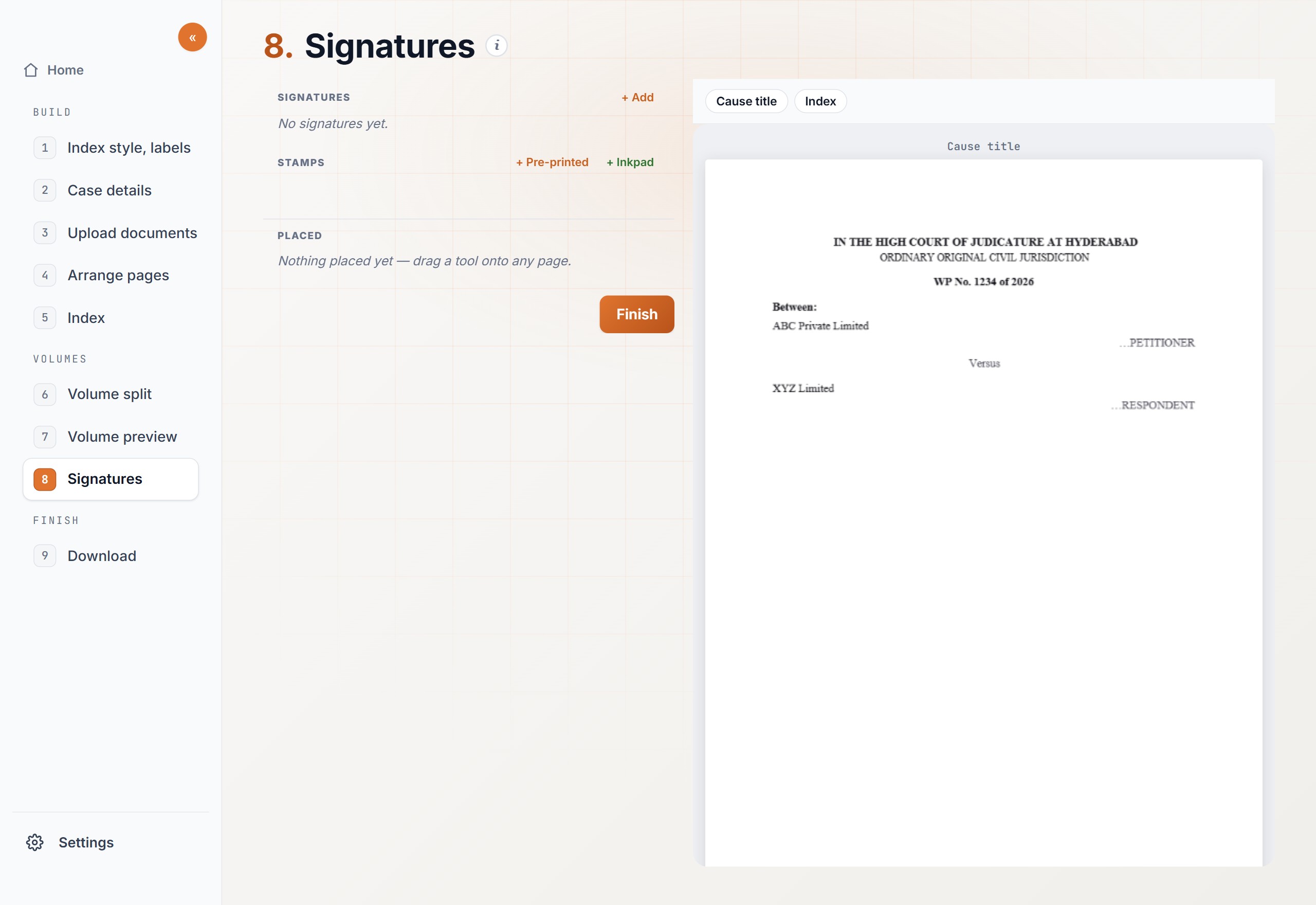
Open Tools, then Place signatures. The ink has to be on the page before the PDF goes to the portal.
A page needs a signature.The vakalatnama, the affidavit, or the index has a place that must carry your signature.
A stamp has to repeat.The same court stamp or advocate stamp has to sit in the same spot on a run of pages.
Steps
01
Upload the PDFsOpen Tools, then Place signatures. Upload every file you want signed. Each file stays separate through to download.
02
Turn a sideways pageRotate a page until the writing is upright. Click “Continue to signatures”. Arranging here does not merge the files.
03
Add the signature or stampAdd the image, then crop it so only the ink remains.
04
Drop it on the pagePlace it on the spot that needs it. To repeat it, type the page range. That same spot is used on each page in the range.
05
Check, then downloadScroll the pages and confirm every mark. Download the files you tick, or download one file on its own.
Expected output
Each download is the same PDF you uploaded, with the signature or stamp drawn onto the page at the spot you chose. A page range repeats that mark in the same place on each of those pages. The rest of the page is unchanged.
Files stay separate. A signature on one PDF is not copied onto the others unless you place it there.